- DCEmu Network Home
- DCEmu Forums
- DCEmu Current Affairs
- Wraggys Beers Wines and Spirts Reviews
- DCEmu Theme Park News
- Gamer Wraggy 210
- Sega
- PSVita
- PSP
- PS4
- PS3
- PS2
- 3DS
- NDS
- N64
- Snes
- GBA
- GC
- Wii
- WiiU
- Open Source Handhelds
- Apple Android
- XBOX360
- XBOXONE
- Retro Homebrew & Console News
- DCEmu Reviews
- PC Gaming
- Chui Dev
- Submit News
- ContactUs/Advertise
Social Media |
|
Facebook DCEmu Theme Park News Wraggys Beers Wines and Spirits Youtube Wraggys Beers Wines and Spirits DCEmu Theme Park News Videos Gamer Wraggy 210 Wraggys Twitter |
Links of Interest |
|
http://www.testking.com http://www.envisionwebhosting.com/ braindumps.net http://www.examsking.com http://1-hit.com/ |
The DCEmu Homebrew & Gaming Network |
|
DCEmu Portal |
DCEmu Newcomers |
||||||||||
|
||||||||||
|
 There are
Forum Info |
| Users online: Guests online: 864. Total online: 864. You have to register or login before you can post on our forums or use our advanced features. Total threads: 210,183 Total posts: 754,055 |
Buy Nintendo |
|
Nintendo Switch Nintendo Wii U Nintendo Wii 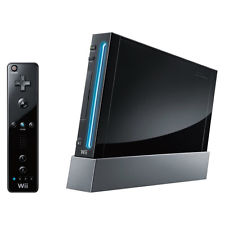
Nintendo Gamecube Nintendo 64 Super Nes 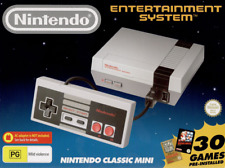
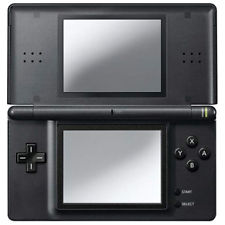
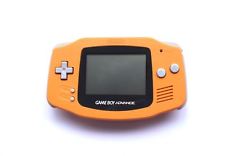
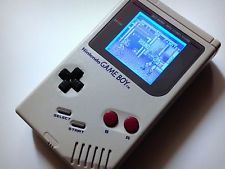
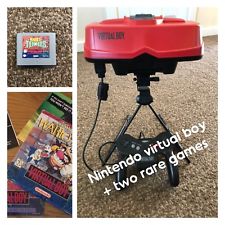
3DS Nintendo DS GBA Gameboy Virtual Boy Nintendo Flash Card |
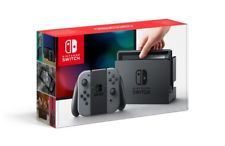
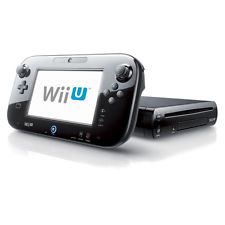
Advert |
The DCEmu Homebrew and Gaming Network
Welcome to the DCEmu Homebrew and Gaming Network. This Network of sites is owned and ran by fans of all games consoles, we post news on all the consoles we cover about hardware aspects, gaming and Homebrew. Homebrew and Emulation are software thats made using free and legal tools to play on games consoles. This Network is the only worldwide network of sites where coders can upload and post comments they deserve for all their hardwork. We have a Network that currently supports PSVita, WiiU, Nintendo Wii, Xbox360, PS3, PS2,PS1, Snes, N64, Gameboy, Nes, Xbox, Gamecube, Nintendo DS, PSP, GBA, Dreamcast, Sega Saturn,3DS, DSi, Switch, PS4, Pandora, xboxone, GP2X, iPhone, Windows Phone, iPad, Android and also Mobile Phone Emulation. When new consoles appear we will expand to cover those consoles. We also cover Theme Park News and news and reviews of Beer, cider, lager, wines and spirits. news of their own releases and get the credit and Please help DCEmu become stronger by posting on the forums every day and make our community larger.